
What Happens
Sundays @ King’s
We’d love for you to join us at our main Sunday morning gathering, from 10:30am–12:00pm (with prayer beforehand at 9:45am). We meet at Aureus Secondary School, Candytuft Way, OX11 6FF.
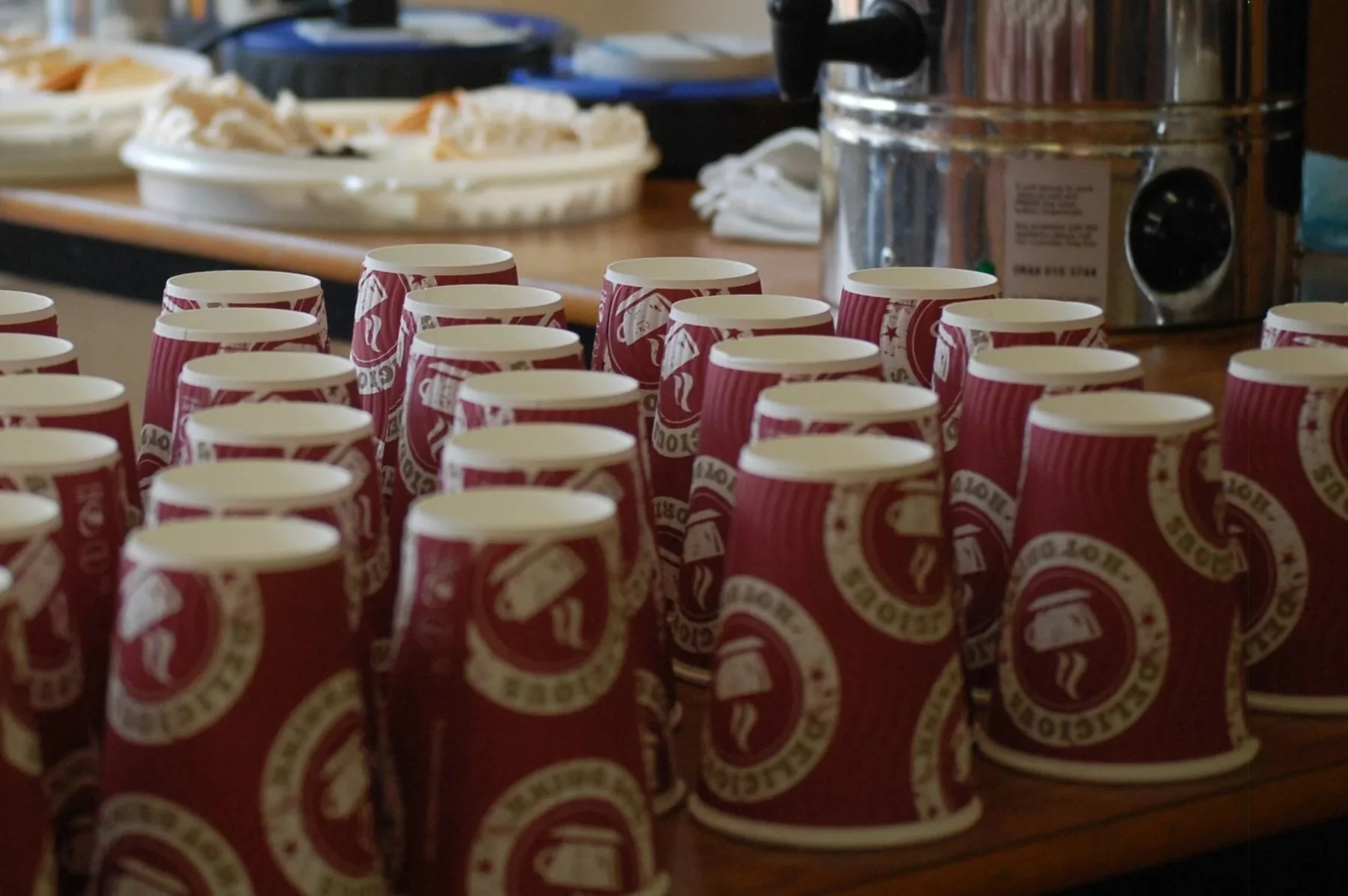
A typical service includes around 30 minutes of worship, church notices, a Bible-based talk, and an opportunity for prayer. After the service, we serve tea and coffee, with time to chat before we finish at 12:30pm. During the sermon, children’s groups run for younger members—except over the summer, when we enjoy all-age services together.
Most Sunday mornings, we livestream our services on Facebook and YouTube. You can also catch up on previous services and other videos anytime on our YouTube channel—see below for details on how to watch.
On the first Sunday of every month we also gather for a Bring and Share lunch after the service — the perfect opportunity to build friendships and enjoy fellowship within our church community.
Once a month on the second Sunday (and every Sunday during our Month of Prayer) we also gather in the evening at Aureus for a Praise and Worship Evening - do join us for some unhurried time in God’s presence.
We’d love you to join us—it would be great to have you with us.
-
Step 1: Open Facebook. Click this link, or open the Facebook app on your phone or tablet. (Note: You can still watch the live stream even if you don't have a Facebook account)
Step 2: Find the King’s Church Page. Type "King's Church" in the search bar at the top of the screen and select our official page.
Step 3: Access the Stream. The top post should be our LiveStream. You’ll see a "LIVE" badge or a red ring around our profile picture. Tap or click the profile picture or top post to jump straight into the service.
If there’s no sound check your computer audio settings but also look at the Facebook settings – there is a mute button in the bottom right of the video page
-
Step 1: Open YouTube. Click this link, or open the YouTube app on your TV, smartphone, or tablet
Step 2: Search for Our Channel. Type "King's Church" into the search bar at the top of the screen and press search. Look for our official channel logo in the results.
Step 3: Access Live Streams & Video.
Watch Live: If a service is currently taking place, look for the video thumbnail marked with a red "LIVE" badge on our channel homepage.
Watch Past Services: Click on the Live or Videos tab to browse previous meetings, sermons, and playlists at your convenience.